
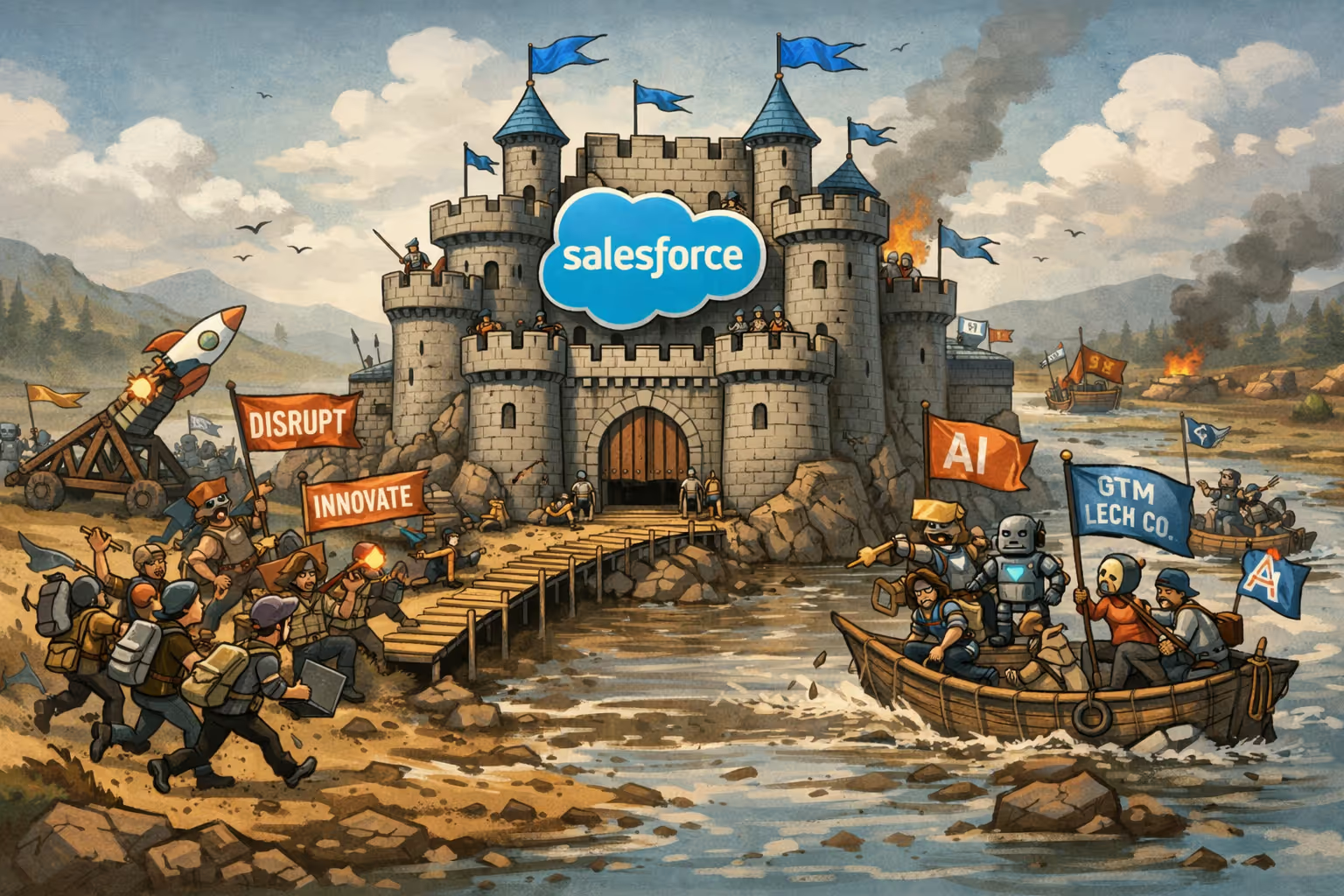
There’s a quiet reckoning happening inside early-stage companies—particularly those selling into highly specific markets like ambulatory surgery centers. It’s a reckoning about what to build, what to buy, and what actually matters in a world where GTM software has proliferated, yet true revenue intelligence remains strangely scarce.
If you listen closely to the founders, operators, and emerging GTM engineers shaping the next decade of go-to-market strategy, the conversation has shifted. Less “What CRM should I use?” and more “What’s the simplest system that won’t trap me later?” Less “Which dashboard looks the nicest?” and more “Who owns the underlying logic that moves revenue forward?”
The tools haven’t gone away. But the philosophy behind choosing them has changed.
And so if you’re a founder selling into outpatient surgery centers—where relationships, specialization, and timing matter far more than volume—the question becomes not “Which CRM is best?” but “Which system gives me the fewest excuses not to sell, learn, and iterate?”
Let’s walk through the four real options in front of you, and what they reveal about the moment we’re in.
1. The Big-Iron CRM: Salesforce and the Illusion of Future-Proofing
Salesforce is the default answer to almost everything in enterprise GTM. It’s the operating system of global revenue teams. It’s extensible, endlessly customizable, and increasingly infused with its own AI ecosystem.
It’s also, for a founder-led motion, a bit like installing a full surgical suite when what you really need is an exam room.
The cost isn’t the licensing fee. It’s the gravity—the hours spent configuring fields, fixing validation rules, or hiring consultants to solve problems that shouldn’t exist yet. The “founder tax,” as SalesHacker veterans often point out, is not paid in cash but in cognitive overhead. Every workflow in Salesforce is a commitment to maintain that workflow indefinitely.
This is why so many GTM operators say some version of the same thing: Salesforce is incredible—if you’re already a company that needs Salesforce.
If you aren’t, it’s an expensive way to avoid learning what your market actually cares about.
2. HubSpot: The Friendly Walled Garden With a Steeper Back Nine
HubSpot is the elegantly paved road of GTM tools. Friendly interfaces, unified data, decent automation, and a surprisingly capable sales workflow. For founders who need marketing + sales + nurture in one box, it's compelling.
But HubSpot has its own gravitational physics.
As you grow, pricing jumps. Hubs stack. Contact tiers balloon. And before long, you’re paying enterprise software premiums without enterprise software complexity.
This is the paradox GTM engineers keep warning about: HubSpot is fantastic if your strategy fits its mental model. But if your business has nuance—multiple referral pathways, variable payer mixes, procedure-specific segmentation, or anything resembling a multi-threaded ASC buying committee—HubSpot begins to bend you toward the system rather than the system bending toward you.
And there’s a rule in modern GTM:
Tools that shape your thinking before you understand your market are tools that cost you more than money.
3. Lightweight Sales-First CRMs: Close, Pipedrive, and the Return to the Essentials
Here’s where the conversation gets more interesting.
A panel of GTM engineers, SalesHacker contributors, and early-stage founders will all tell you the same thing, almost embarrassingly consistently:
The highest-ROI stack for the first 12–18 months is the simplest one you can actually live in every day.
Close and Pipedrive represent a different philosophy of CRM:
- They assume you will be doing most of the selling.
- They assume you need speed, not schemas.
- They prioritize activity, not architecture.
- They minimize the number of places where things can break.
For a founder selling into outpatient surgery centers—where deals hinge on nuanced clinical value, capacity constraints, and physician alignment—not fancy attribution dashboards, this is liberating.
It gives you a system that disappears into the background so your conversations can take center stage.
This is why GTM operators regularly call these tools the “no excuses” stack. They force clarity: What’s the next call? Who needs follow-up? What moved and why?
And later, when you’re ready, these tools export cleanly. They don’t trap your future.
4. The “Data Lake + AI Agent” Fantasy—And Why It’s Not Wrong, Just Early
It’s impossible to ignore the excitement around the AI-native GTM stack: a world where your CRM isn’t your source of truth, but merely a window into a deeper substrate—a warehouse, a lakehouse, a composable architecture that ingests everything from clinical data to referral patterns to marketing signals and synthesizes them through AI agents.
This vision isn’t science fiction. It’s already emerging.
In the GTM engineer community, the data lake has become the intellectual center of gravity. It’s where AI models live. It’s where custom signals get built. It's the antidote to static data lakes from legacy vendors. And for a market like ASCs—where signals like case mix, payer dynamics, staffing models, landlord relationships, and specialty-level growth patterns actually matter—it’s a revelation.
But there is a truth here that even the evangelists admit:
A data lake without a GTM engineer is a beautifully architected museum no one can operate.
AWS credits won’t save you. Neither will BigQuery’s ease. The difficulty isn’t the infrastructure—it’s designing the logic that turns data into motion.
If you start here too early, you’re not building a revenue engine. You’re building a hobby.
The future is real. But it has a sequencing problem.
The Bigger Shift: GTM Engineering as the New Center of Gravity
What ties all of this together is the emergence of the GTM engineer—part RevOps, part data engineer, part systems thinker.
Their job is to translate founder intuition into repeatable, automated, intelligent revenue workflows.
And what they will all tell you is this:
- Start simple.
- Maintain optionality.
- Own your data model eventually—but not yet.
- Let your CRM be a staging ground, not a religion.
This is the new doctrine of modern GTM. Not more tools. More intentionality.
From Mantra to Playbook: How to Actually Do This
“Start with the simplest system that keeps you selling. Design it like a future data source. And only graduate to a data-lake + AI-agent architecture once your motion justifies the intelligence you’re trying to build.”
That’s a nice line. But what does it actually mean if you’re a founder or revenue leader staring at a blank GTM infrastructure?
Let’s make it concrete.
1. Start with the simplest system that keeps you selling
Your goal in the first 6–18 months is not ‘elegant architecture.’ It’s learning speed.
For a founder-led motion, that translates to a stack that:
- Lives in one primary workspace (single source of daily truth).
- Captures just enough structure to run your pipeline and learn from it.
- Does not require a GTM engineer or Salesforce admin to keep it upright.
If you’re selling into outpatient surgery centers, that might look like:
Pick:
- A sales-first CRM like Close or Pipedrive.
- Native or tightly integrated dialer + email sequencing.
Configure just these basics:
- One pipeline, with 5–7 stages that match reality:
- New → Qualified → Clinical/Economic Eval → Admin/Legal → Verbal Commit → Closed Won/Lost
- Core account fields:
- Facility type (ASC, HOPD, hybrid)
- Specialty focus (orthopedics, pain, GI, etc.)
- Ownership type (physician-owned, private equity-backed, health system-affiliated)
- Number of ORs / procedure rooms
- Primary EHR/PM system (if relevant to your solution)
- Core contact fields:
- Role (Medical Director, OR Manager, Practice Manager, CFO)
- Clinical vs administrative vs financial decision-maker
- Referral source (inbound, outbound, conference, channel partner)
- Two or three activity types:
- Call
- Meeting/Demo
That’s it. Not 47 activity types. Not 19 pipelines. Enough to see what’s happening and nothing more.
If a field doesn’t help you make a better decision in the next 60 days, don’t add it.
2. Design it like a future data source
This is where most founder stacks break: they’re “good enough for now” but a complete nightmare to query later.
You don’t need a data lake yet, but you do need to act like someone will want to analyze this data in 12–24 months — because they will.
So you design like this:
a) Normalize your naming
- Use consistent account names (no “St. Mary’s ASC – Texas” vs “Saint Marys Surgery Center – TX” chaos).
- Standardize things like specialties and roles with picklists, not free text:
- Specialties:
Ortho,Pain,GI,Ophthalmology,Multi-specialty - Roles:
Clinical,Admin,Finance,Executive
- Specialties:
b) Make your reasons explicit
Add a small set of fields that explain why an account is worth your time:
- Pain theme (picklist):
Capacity,Case mix,Payer mix,Referral leakage,Technology gap - Primary value prop you’re selling (picklist):
Throughput,Revenue,Scheduling,Patient experience, etc.
Now when someone exports this data into a warehouse later, they can instantly slice:
- “Show me all deals where capacity was the primary pain and we sold throughput as the value prop.”
- “Show me which pain themes convert fastest by region, specialty, or ownership type.”
c) Structure your notes
You’ll still write free-text notes — but with a simple template:
- “Context: …
- Pain: …
- Current solution: …
- Trigger/urgency: …
- Next step: …”
That structure makes it easier for future AI agents to parse and turn into signals. You’re quietly training your future system just by writing better notes.
3. Only graduate to data-lake + AI when the motion justifies it
So when do you actually earn the right to talk about Snowflake, dbt, and AI agents?
Use a simple checklist. You’re ready to layer on a lake/warehouse + AI when:
- You have repeatability
- You’ve closed at least 20–30 deals with a recognizable pattern.
- Your win reasons and loss reasons rhyme.
- You feel the limits of your current stack
- You’re asking questions your CRM can’t answer cleanly:
- “Which centers with 3+ ORs and high Medicare share close fastest?”
- “Which pain theme gives me the best payback by region?”
- You’re asking questions your CRM can’t answer cleanly:
- You have multiple important data sources
- CRM
- Billing/usage data
- Marketing / event data
- Purchased healthcare data or claims
- You have someone to own the stack
- A GTM engineer, data-savvy RevOps, or agency — not “whoever has free time.”
Only then do you stand up:
- A warehouse/lake (BigQuery, Snowflake, or even Postgres to start).
- Light ETL from your CRM, billing, and external datasets.
- A model of your universe of accounts (all ASCs, not just those in your CRM).
- The first set of custom signals:
- Capacity strain
- Case mix fit for your solution
- Payer mix exposure
- Tech stack compatibility
- Competitive risk/opportunity
Then, and only then, do AI agents become more than a party trick. They can actually rank which accounts to target this quarter and why.
4. What this looks like as a 24-month roadmap
You can make this nearly boringly explicit:
Months 0–3
- Pick Close or Pipedrive + dialer + email.
- Build single pipeline, core fields, basic sequences.
- Log every call, every email, every next step.
Months 4–12
- Tighten ICP based on real deals.
- Add 3–5 “reason” fields that explain pain and value.
- Standardize data hygiene (naming, picklists, required fields).
- Start tagging accounts that look especially “right” — these become your early pattern set.
Months 12–24
- Once you’ve got critical mass:
- Stand up a lightweight warehouse.
- Export CRM + billing/usage + key external data.
- Engage a GTM engineer (fractional or full-time).
- Build:
- A canonical Account model (what an ASC looks like in your world).
- A few custom fit and intent signals.
- Simple AI-assisted workflows:
- Daily prioritized call list.
- Territory/account clustering.
- Churn and expansion risk indicators.
You’re not leaping from “Close and a Google Sheet” to “full AI GTM brain.” You’re stepping your way up, deliberately.
5. The punchline for founders and revenue leaders
So when we say:
Start with the simplest system that keeps you selling.
Design it like a future data source.
And only graduate to a data-lake + AI-agent architecture once your motion justifies the intelligence you’re trying to build.
What we really mean is:
- Don’t let tools delay the hard work of talking to customers.
- Don’t let messy, ad hoc data sabotage your future before you have one.
- Don’t build a data cathedral when a well-run workshop will do.
That’s the founder-led GTM playbook emerging in 2026.
Not more software.
More signal.
More clarity.
More intention.
And, if you do it right, more revenue — not because your stack is impressive, but because your system is honest about what stage you’re actually in.
.avif)