Article
The Quiet Death of the Sales Chrome Extension
A protocol called MCP is replacing the browser overlays your reps click all day — and reshaping which vendors in the GTM stack actually keep their moat.
How does the LG MCP work and what can it do for me?
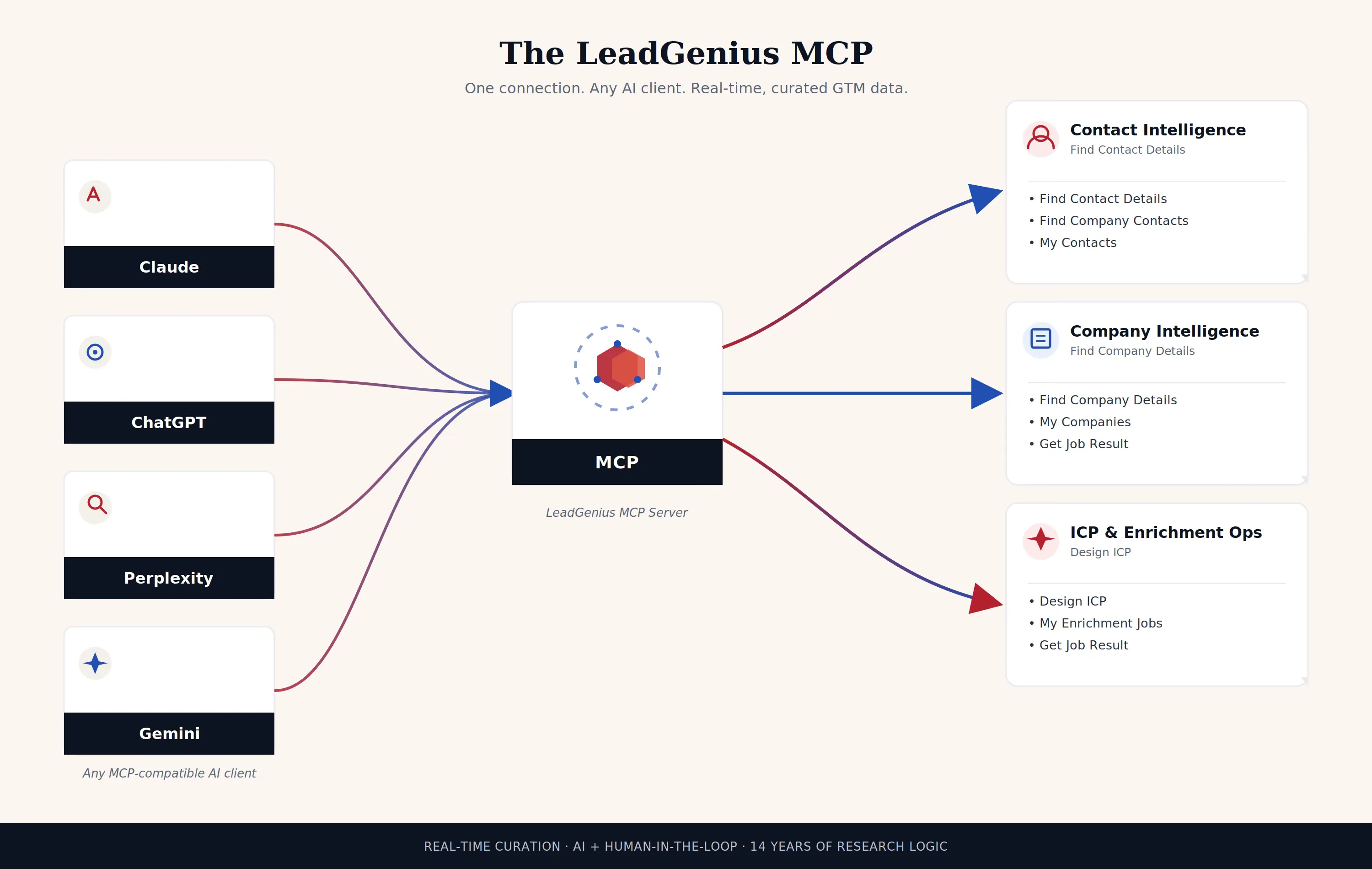
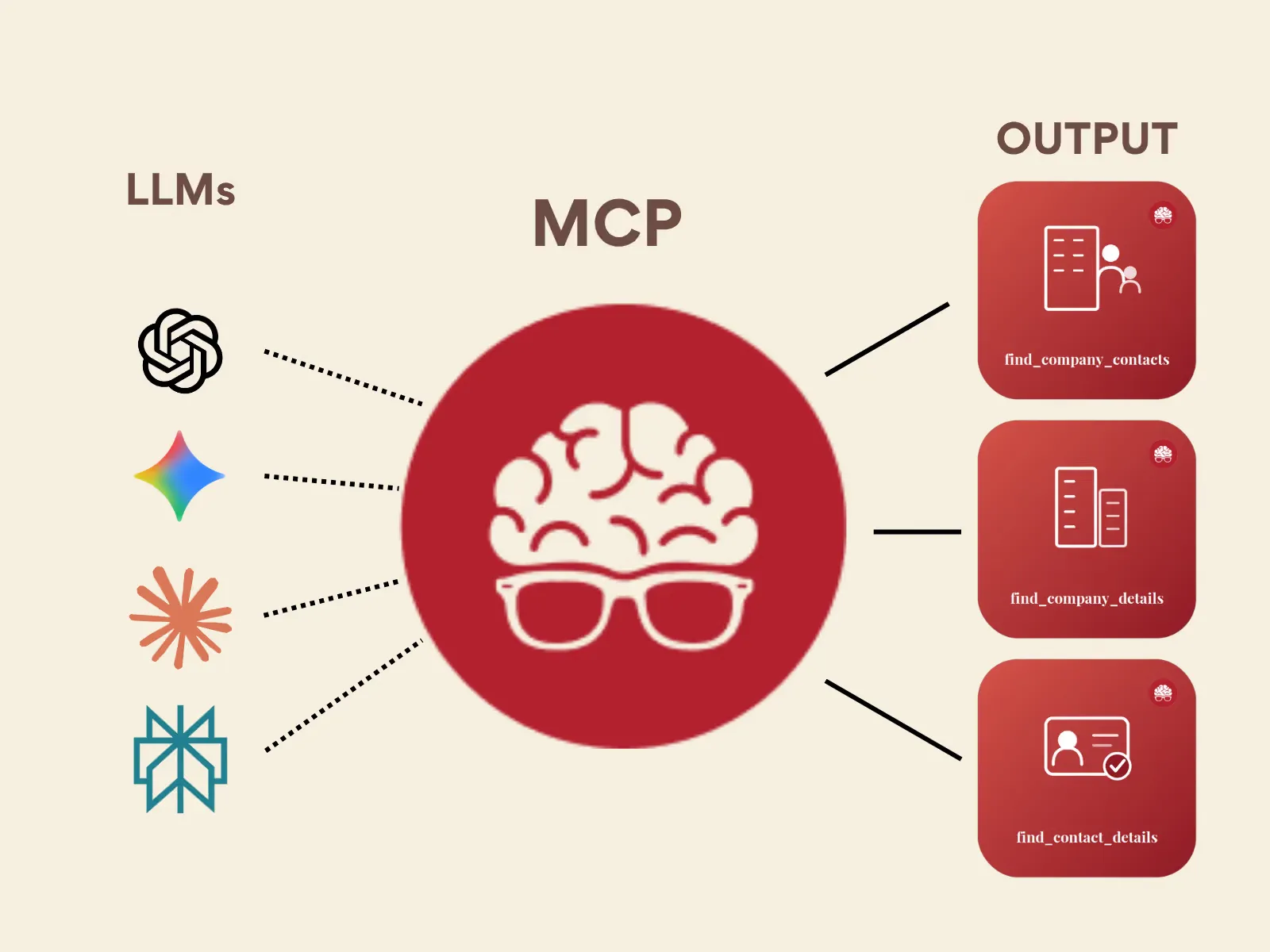
Most people evaluating a data MCP ask what it connects to. The better question is what it actually lets an agent do — which tools it can call, what each one returns, and who's still in the loop when the answer matters. Here's a plain look inside the LeadGenius MCP.
When a customer authorizes the LeadGenius MCP, they aren't handing an AI agent a firehose into a database. They're granting scoped access to a specific set of tools — each one mapped to a real step in how a GTM team actually builds a market: define who to target, find the company, find the people, verify the work, and keep what's already been found.
Once authorized, an agent connected to the LeadGenius MCP has access to nine tools. None of them return a static, pre-built record — each one triggers curation logic tuned to the specific request.
The LeadGenius MCP ToolsetGet a person's verified work email and/or phone number from their LinkedIn profile URL.
Get a company's enriched record from its name, its website domain, or both.
Find the people who hold a given role at one company, from its domain.
Turn a plain-English description of an ideal customer into a structured, reusable profile.
Check the status of an enrichment job — pending, running, done, or failed — with a message.
Pull your past enrichment searches, newest first, including the ones that failed or found nobody.
Search the contacts you've already enriched and saved, from any past search.
Search the companies you've already enriched and saved, from any past search.
Keep access active without re-authorizing every session, until you choose to disconnect.
Notice what's on that list and what isn't. There's no single "search everything" call that dumps a slice of a static database into the agent's context. Every tool is scoped to a specific unit of work — one person, one company, one role, one job — because that's how the underlying curation actually runs: on demand, against the specific thing being asked for.
Here's a realistic sequence for a RevOps team building a new target list with an AI agent connected to the LeadGenius MCP:
The rep describes the target buyer in plain English — "mid-market manufacturing companies modernizing plant operations, 500–2,000 employees, North America." The agent calls Design ICP, which turns that into a structured profile LeadGenius can act on.
For each candidate account, the agent calls Find Company Details with a name or domain to get the current, enriched company record — not a cached snapshot.
The agent calls Find Company Contacts for each qualified account to identify who currently holds the relevant role — sourced and verified for that company, not pulled from a shared title index.
Because sourcing and verification take real work, some of these calls kick off an asynchronous job. The agent polls Get Job Result until the status moves from running to done — and knows immediately if one fails, rather than silently returning nothing.
Once records are enriched, they're saved. The next time the agent — or a different workflow — needs the same account, it calls My Contacts or My Companies first, instead of re-running enrichment from scratch.
The result the agent hands back to the rep isn't a list of rows pulled from a shared table. It's a set of records that were sourced, resolved, and verified specifically for that ICP, that request, at that moment.
A database-first MCP typically exposes one shape of tool: retrieval. Give it a filter, get back whatever already matches in inventory. The LeadGenius MCP is built around a different shape entirely — definition, sourcing, verification, and memory as four distinct steps an agent can call independently and in sequence.
That's also why Get Job Result exists as its own tool. Real curation — resolving a person to their current role, verifying a company's current buying center — isn't always instant. The MCP is honest about that instead of forcing a fast, low-confidence answer just to keep the response synchronous.
Because every one of these tools acts on real account and contact data, access is explicit and scoped — not implied by having an MCP client installed. When a customer connects the LeadGenius MCP, here's what that authorization step actually covers:
My Contacts, My Companies, and My Enrichment Jobs only ever return records your account has already enriched or saved.Stay Connected keeps the session active by choice — access can be revoked at any time without re-authorizing anything else.Get Job Result and My Enrichment Jobs, so nothing an agent did is a black box after the fact.That's the whole point of exposing curation as an MCP instead of a raw data export: the agent gets real, current, verified answers — and the customer keeps full visibility into exactly what was asked for and what came back.
This piece describes the LeadGenius MCP's current tool surface as exposed through the authorization flow. Capabilities are subject to change as the beta evolves — check the latest documentation before building production workflows against it.
Article
A protocol called MCP is replacing the browser overlays your reps click all day — and reshaping which vendors in the GTM stack actually keep their moat.

Article
LeadGenius outperformed Clay in converting personal emails to work emails, achieving a 28.41% match rate compared to Clay's 12.16%, while also providing enriched data that improved lead routing, engagement, and sales outcomes.
Guide
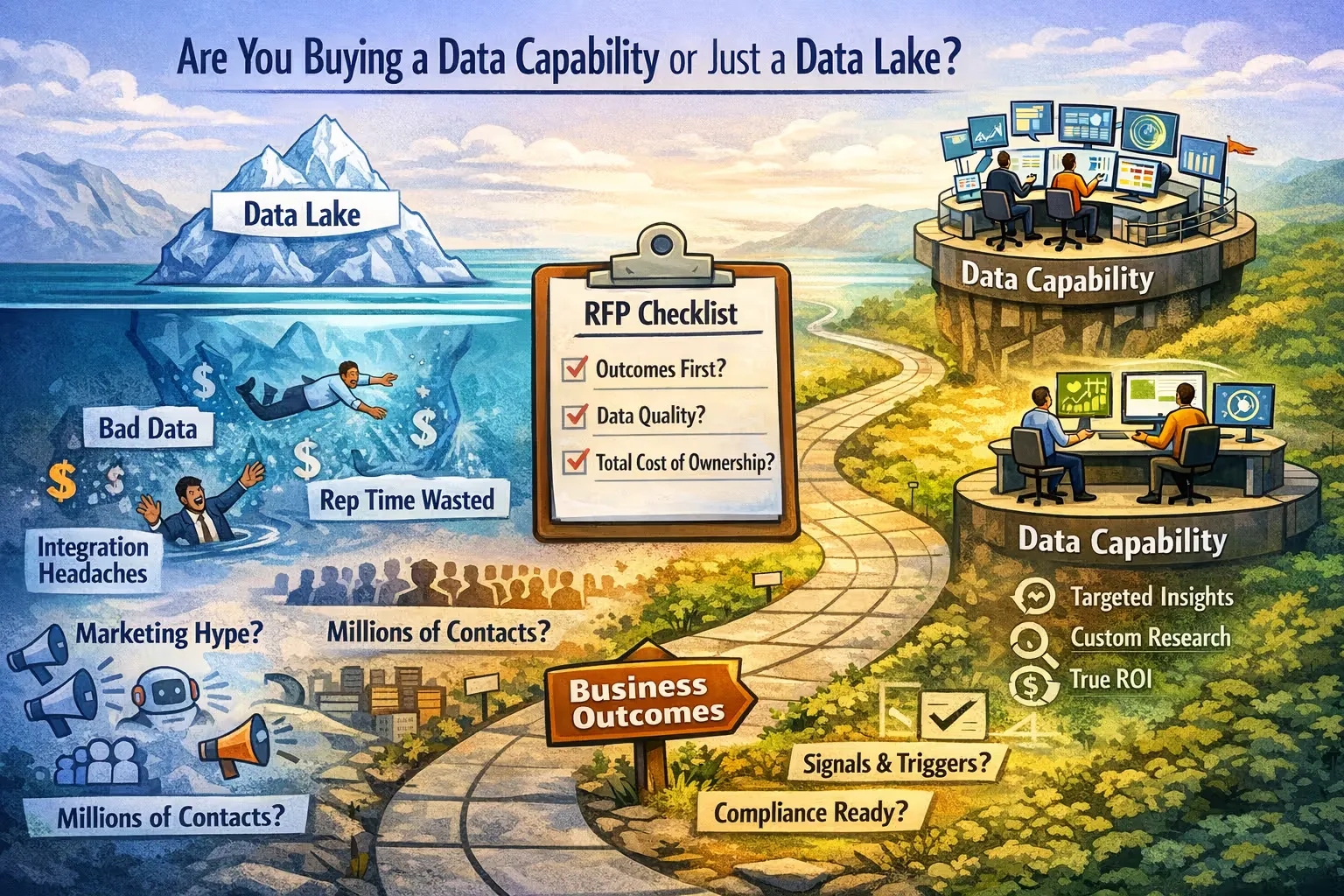
A practical guide for revenue leaders, RevOps, and procurement teams

Get precise, compliant, and on‑demand contact data—tailored to your business needs.